
Find out how our website maintenance team identified, cleaned and secured a badly hacked client WordPress website, walking you through every step we took from discovery to lasting recovery process.
Every so often, a job lands on our desk that reminds us why website security is not optional. This is the story of how we (Webluno) cleaned and fixed a hacked client website that came to us in a genuinely bad state.
According to Wordfence, billions of attacks target WordPress websites every year. In 2024 alone, its security platform blocked more than 54 billion malicious requests and 55 billion password attacks, highlighting just how common automated attacks have become.
We will walk you through how we discovered the problem, what the hack actually broke, the damage it caused, and the steps we followed to clean it up and lock it down properly. If you have ever wondered what really goes on behind the scenes when a site gets compromised, this article should give you a clear picture.
How Did We Know Our Client’s Website Was Hacked?
The first sign of trouble came directly from the client. They got in touch to tell us they were no longer able to log into their WordPress website. Whenever they tried to reach the admin login page, they were redirected straight to a 403 error instead.
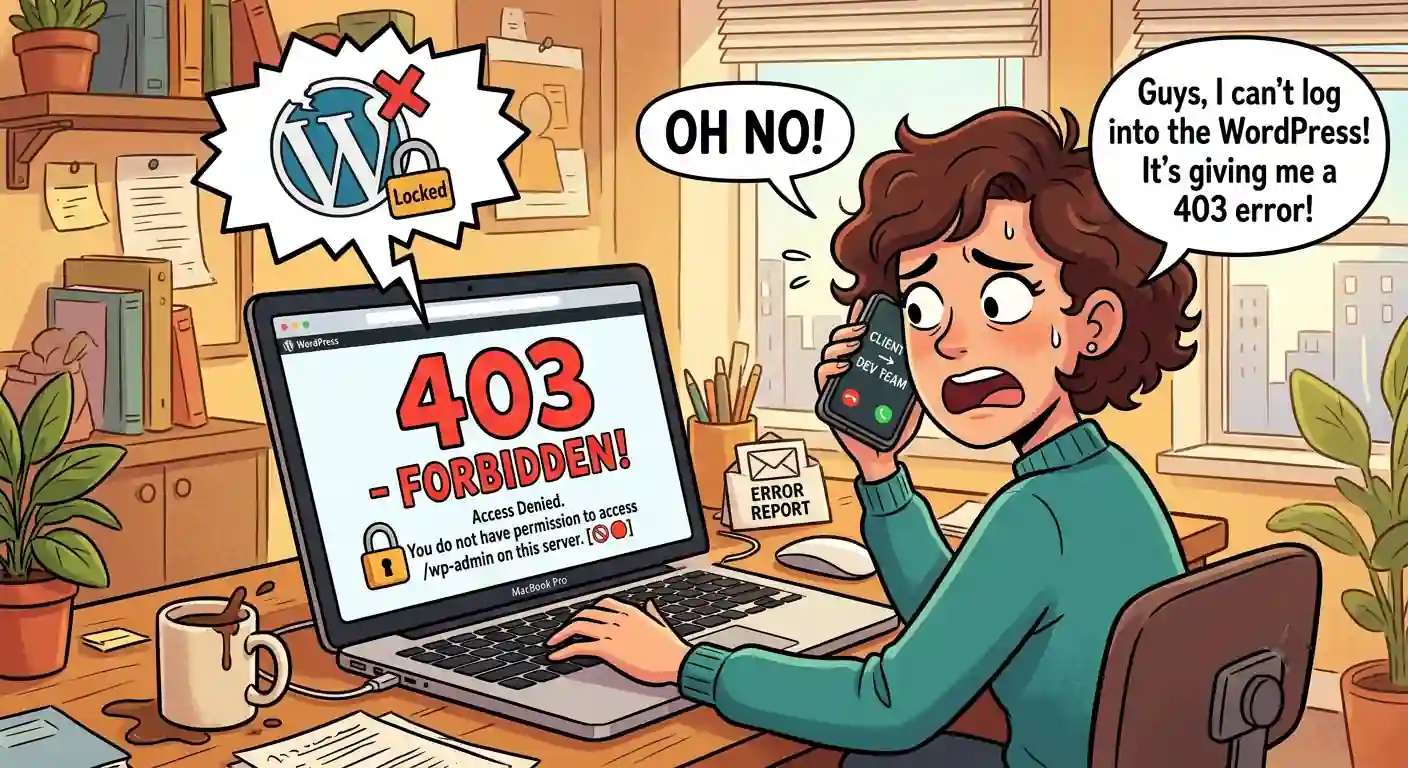
For anyone unfamiliar with it, a 403 Apache error simply means the server has understood the request but is refusing to allow access to that particular resource. In plain terms, the door was there, but something was blocking it from opening.
What made this case a little different is that this client was not actually one of ours before the hack happened. They only became a client afterwards, once things had already gone wrong. Had we been managing their hosting and security beforehand, we would likely have picked up on suspicious activity through our monitoring and alert systems long before it escalated this far.
Once we got access to investigate, we found a number of unfamiliar folders scattered across the site, along with suspicious folders and PHP files tucked inside what should have been legitimate plugin directories. That alone was enough to confirm our suspicions.
What Exactly Did This Hack Cause To Break On The Website?
Once we dug in properly, the extent of the damage became clear. The login pages were not functioning at all, which was the original complaint. The homepage content had been broken and no longer displayed correctly.
Scattered throughout the WordPress editor were spam comments, clearly the result of a targeted bot attack rather than random noise. Contact form submissions had also stopped working entirely, meaning any potential enquiries were simply vanishing into thin air. The website also gave a blank page when visiting the home page.
In short, the website had become almost entirely non-functional. It could not generate leads, could not be trusted, and could not even be edited properly. When we attempted to restore from backups, it became obvious just how long this had been going on. Backups going back a full thirty days all failed, which told us the site had likely been compromised for a considerable amount of time before anyone noticed.
What Damages Did Our Client Suffer?
Because our client was not under our care at the time, they had no monitoring in place to catch this early, and the fallout was significant. With the website down and misbehaving, they missed out on any new leads that would have come through during this period.
Just as damaging was the loss of trust that comes with visitors landing on a broken or suspicious looking site. Their SEO also took a hit, which stung particularly because they had been actively investing in search optimisation at the time, meaning some of that spend was effectively wasted.
The more serious issue, though, was data exposure. Customer data submitted through the website forms had been stored locally and was compromised in the breach. Email logs stored on the site were also exposed, and among them were confidential emails containing banking details and login credentials for financial dashboards. We will explain exactly how this email leak happened a little further on.
How Did We Clean The Website?
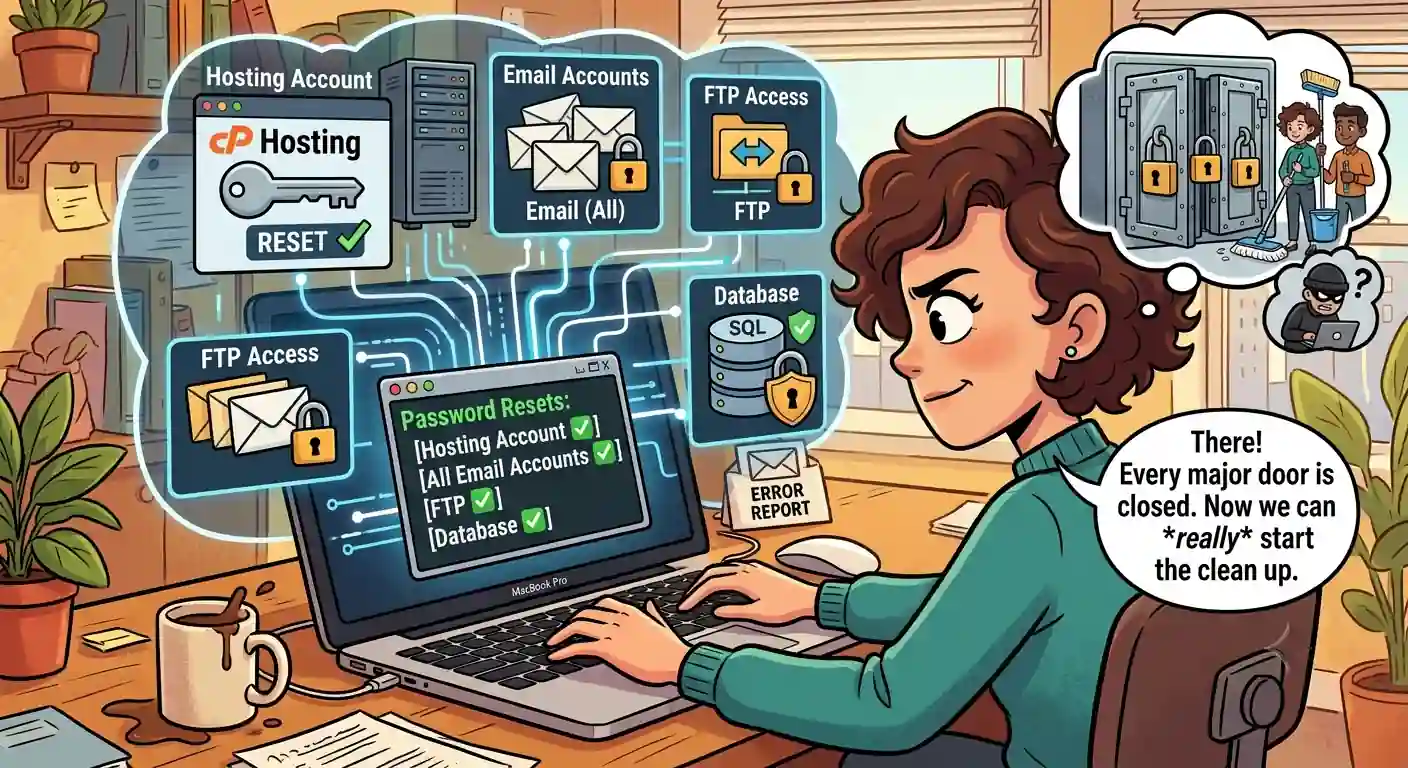
The first thing we did, before anything else, was reset every password connected to the site. That meant the hosting account, email accounts, FTP access and the database itself. With those doors closed, we could start the actual clean up without worrying about someone slipping back in while we worked.
From there, we manually worked through the malware files that had been installed across the site. This involved carefully inspecting every single .htaccess file and checking file permissions throughout the entire directory structure.
A large portion of the malicious files had been assigned specific permissions that prevented us from simply bulk deleting them, so each one had to have its permissions manually reset before it could be removed.
Once we regained proper access to the dashboard, we installed Wordfence and ran a full site crawl covering every folder and file on the server. That scan alone flagged over a thousand infected files. As mentioned, roughly half of these could not be removed in bulk and had to be dealt with individually.
Where Did We Find All Of The Malware?
The infected code turned up in several places. We found it hidden within theme function files, inside plugin folders, embedded in the index.php file, disguised as fake plugins, and tucked inside otherwise legitimate plugin files. On top of that, we discovered several admin accounts that the client had never created themselves, a clear sign the attackers had granted themselves ongoing access.
What Steps Did We Take To Secure The Website?
Security is not a once off task, so once the site was clean we focused on making sure it stayed that way. We reset every password again for good measure, covering admin accounts, FTP, SQL and the hosting account itself. Wordfence was properly configured and all plugins were brought up to date. We also set up security alerts and added multi factor authentication to every admin account on the site.
On top of the visible security tools, we installed additional monitoring software that does not appear anywhere in the plugins directory, allowing us to quietly keep an eye on activity and confirm that no unauthorised party still had a foothold on the website.
How Did The Hack Actually Happen?
Once the dust settled, we went back to figure out how this had happened in the first place. The plugins on the site were badly out of date, the WordPress core itself was running an old version, and the site was using nulled plugins, meaning pirated versions that had been altered from their original code.
The breach itself started with a compromised admin account that used the same login details as the site’s admin email address. Once inside, the attackers were able to find the FTP login details too, which had been stored, unencrypted, in a file sitting inside that same email account. All signs point back to the nulled plugin as the original entry point, which was later confirmed when we ran its contents through a free online malware scanner and it flagged the code as infected.
How Can We Make Sure That This Does Not Happen To Our Own Websites?
Nulled plugins and outdated software are two of the most common reasons WordPress sites get compromised, and this case ticked both boxes. If you want to understand this in more detail, we have covered it thoroughly in another article, which you can read here: Why Do WordPress Websites Get Hacked So Easily?
Conclusion To How We Fixed A Hacked Client Website
Cleaning up a hacked website is rarely a quick job, and this case was no exception. From resetting every password in sight to manually working through more than a thousand infected files, it took patience and a methodical approach to get the site back to a safe, working state.
What this case really highlights is how much damage outdated software and pirated plugins can cause, not just to a website’s functionality, but to a business’s reputation, its SEO and its customers’ trust. The good news is that with the right precautions, most of this is entirely avoidable.
How Can Webluno Assist?
This is exactly the kind of situation we help clients avoid. Through our website maintenance packages, Webluno offers proactive security monitoring and hardening services, so issues like outdated plugins, weak passwords and suspicious activity are caught and dealt with long before they turn into a full blown hack. Prevention will always be easier, cheaper and far less stressful than a clean up like the one described above.
Frequently Asked Questions
How long does it typically take to clean and secure a hacked website?
This depends on how deep the compromise goes, but a thorough clean-up involving manual file review, password resets and hardening can take anywhere from a few days to a couple of weeks. Rushed fixes that skip proper file-by-file inspection often leave hidden backdoors behind, which is why a careful approach takes longer but lasts.
Do I need to inform my customers if their data was leaked in a hack?
In most cases, yes. If personal information such as names, emails, or financial details were exposed, you may have a legal obligation to notify affected customers, depending on your local data protection regulations. It’s worth speaking to a legal advisor to understand your specific responsibilities.
Should I report a website hack to the authorities?
It can be worth reporting, particularly if financial data or customer information was compromised, since it may fall under POPIA data breach reporting requirements. Even where it’s not mandatory, having a record can help if the matter needs to be investigated further down the line.
Is it better to rebuild a hacked website from scratch or clean the existing one?
It depends on the extent of the damage. A full rebuild guarantees a clean slate but can be costly and time consuming, especially for larger sites. In most cases, a detailed clean-up combined with proper hardening is enough, provided every file is inspected and nothing suspicious is left behind.
How often should a website be checked for security vulnerabilities?
Ideally, security checks should happen continuously rather than as a once-off task. Regular plugin and core updates, periodic malware scans, and ongoing monitoring are what actually prevent hacks, rather than catching them after the damage is already done.


